Deploying LibreChat with Ansible Role librechat_docker
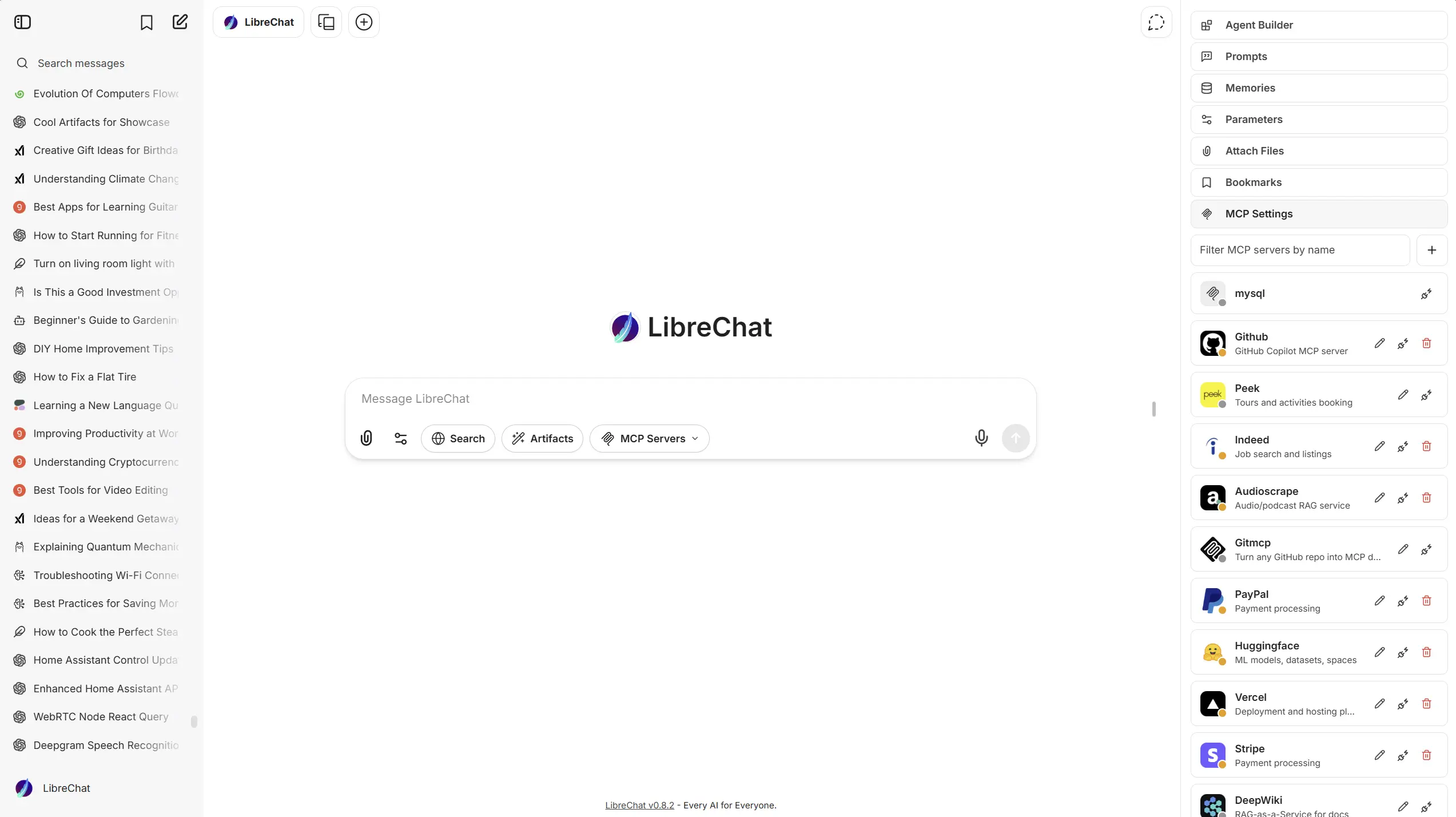
If you want a repeatable way to deploy LibreChat, an Ansible role is easier to maintain than hand-editing Docker Compose files on every host. The bsmeding.librechat_docker role wraps the upstream stack and gives you consistent variable-driven configuration.
This post gives a copy-paste starting point for:
- Deploying LibreChat with Docker Compose.
- Setting core secrets safely.
- Defining custom AI endpoints.
- Adding MCP server entries, including demo Nautobot/NetBox URLs.
What The Role Manages
The role:
- Deploys LibreChat containers with Docker Compose.
- Creates and manages
.envvalues from role variables. - Writes
librechat.yaml(includingmcpServersandendpoints.custom). - Supports in-place endpoint management when you want to keep manual YAML edits.
Repository:
Minimal Playbook
Copy-Paste host_vars Example
This example is safe to start with locally, then customize for production.
librechat__port: 3080
librechat__public_url: "http://chat.lab.local:3080"
librechat__firewall_allow: true

# Replace with real secrets in Vault/group_vars
librechat__meili_master_key: "replace-with-32-plus-char-secret"

librechat__env_extra:
  JWT_SECRET: "replace-with-64-hex"
  JWT_REFRESH_SECRET: "replace-with-64-hex"
  CREDS_KEY: "replace-with-64-hex"
  CREDS_IV: "replace-with-32-hex"
  OPENAI_API_KEY: "sk-..."
  ANTHROPIC_API_KEY: "sk-ant-..."
Optional: MCP Servers for Demo Sources
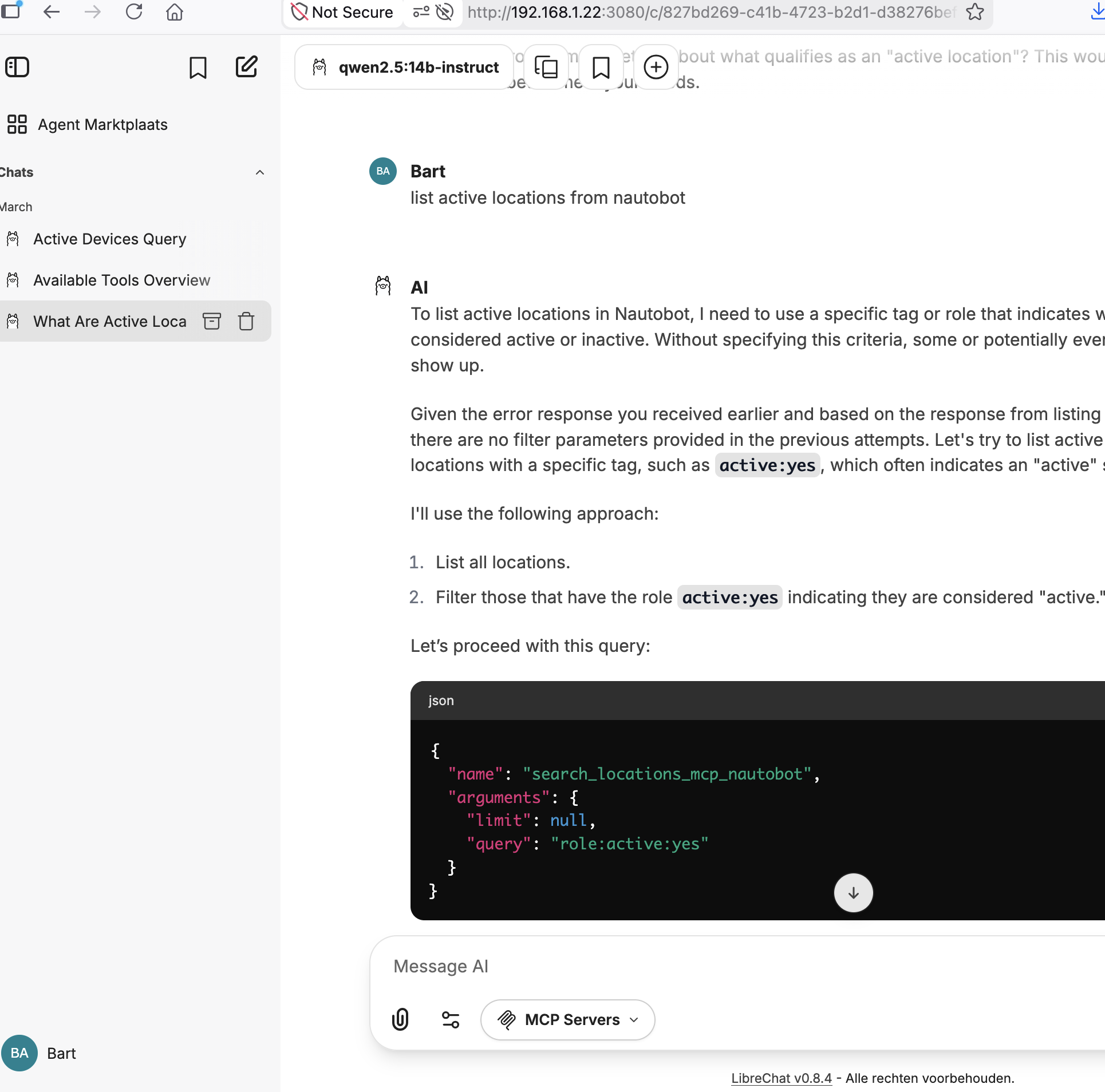
If you want LibreChat tools against public demo systems, you can expose an MCP service that talks to Nautobot/NetBox and register it in librechat.yaml through role variables.
librechat__mcp_settings:
  allowedDomains:
    - "demo.nautobot.com"
    - "demo.netbox.dev"
    - "host.docker.internal"
    - "localhost"

librechat__interface_mcp_permissions:
  use: true
  create: true
  share: false
  public: false

librechat__mcp_servers:
  - name: "nautobot-demo"
    type: sse
    url: "https://demo.nautobot.com"
  - name: "netbox-demo"
    type: sse
    url: "https://demo.netbox.dev"
Note: the exact MCP endpoint path depends on your MCP server implementation. If your server uses /sse, set url accordingly (for example https://your-mcp-gateway.example.com/sse).
Custom Endpoint Example
The role supports LibreChat endpoints.custom directly.
librechat__endpoints_custom:
  - name: "OpenRouter"
    apiKey: "${OPENROUTER_KEY}"
    baseURL: "https://openrouter.ai/api/v1"
    models:
      default: ["openai/gpt-4o-mini"]
      fetch: true
    titleConvo: true
    titleModel: "openai/gpt-4o-mini"
    modelDisplayLabel: "OpenRouter"
CI and Releases
The role already includes CI and release workflows:
- CI workflow for validation/testing.
- Tag-driven release workflow to trigger Ansible Galaxy import.
That means role changes can follow the same pipeline discipline as your automation code.
Practical Tips
- Keep
JWT_*andCREDS_*out of plain repo files; use Vault or encrypted vars. - Set
librechat__public_urlto the exact URL users open in the browser. - Start with
workflow_dispatch/manual deploys in CI before full automation. - Keep MCP permissions strict and only allow required domains.
- Test upgrades in a lab first when tracking
latestimages.
Summary
bsmeding.librechat_docker gives you an Ansible-native deployment path for LibreChat that is easier to reproduce, review, and evolve. With variable-based secrets, endpoint definitions, and MCP settings, you can move from local experiments to managed team deployments without rewriting the stack each time.